AI Background Remover
Remove image backgrounds automatically with AI-powered precision. Get clean, transparent cutouts from product shots, portraits, and creative photos in seconds — no design skills needed.
Features
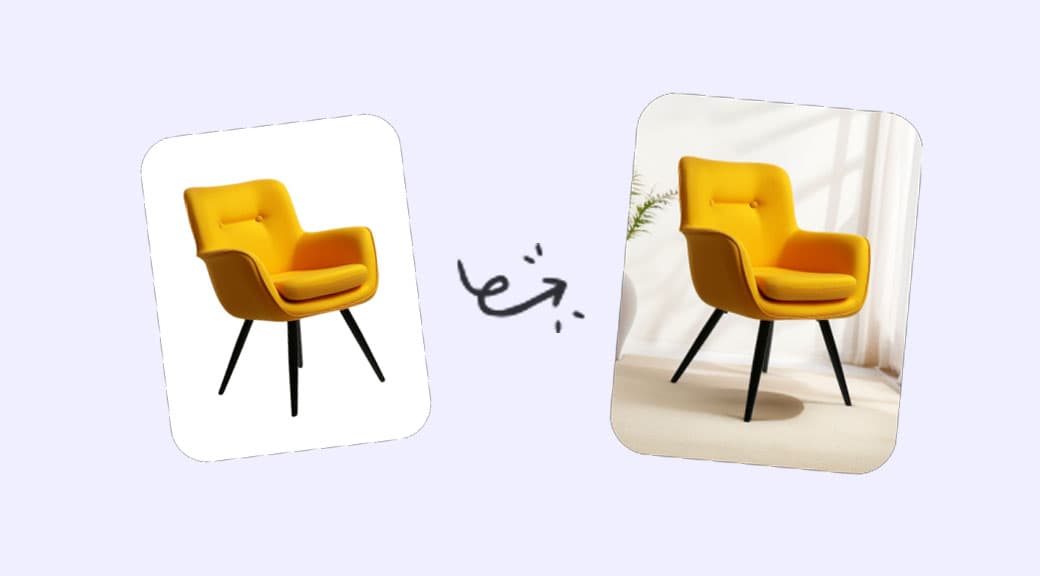
Studio-quality cutouts in seconds
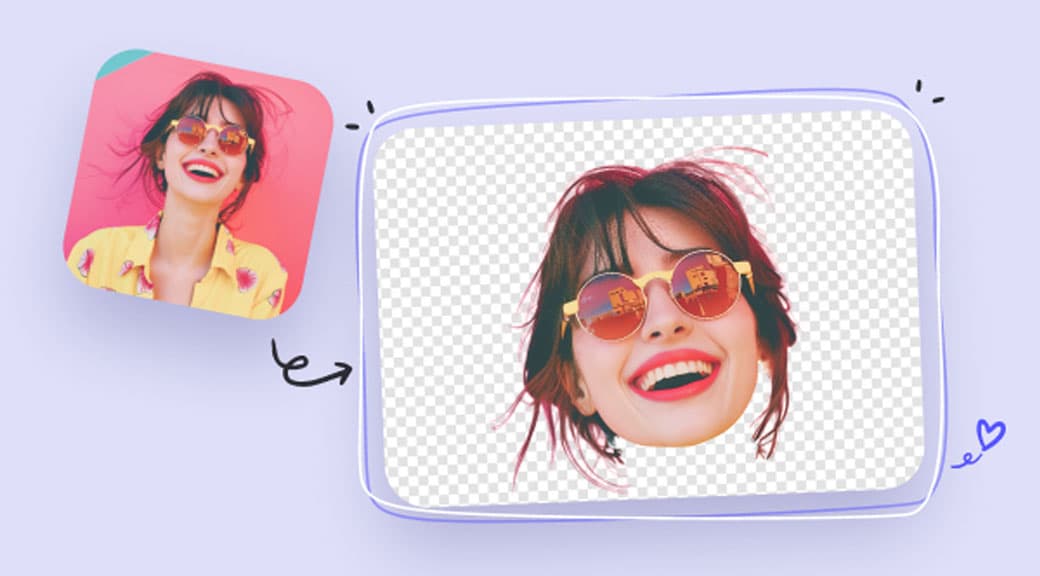
Skip the hours of manual masking. Upload any photo and the AI isolates your subject with precise edge detection — hair strands, fabric textures, and complex shapes included.
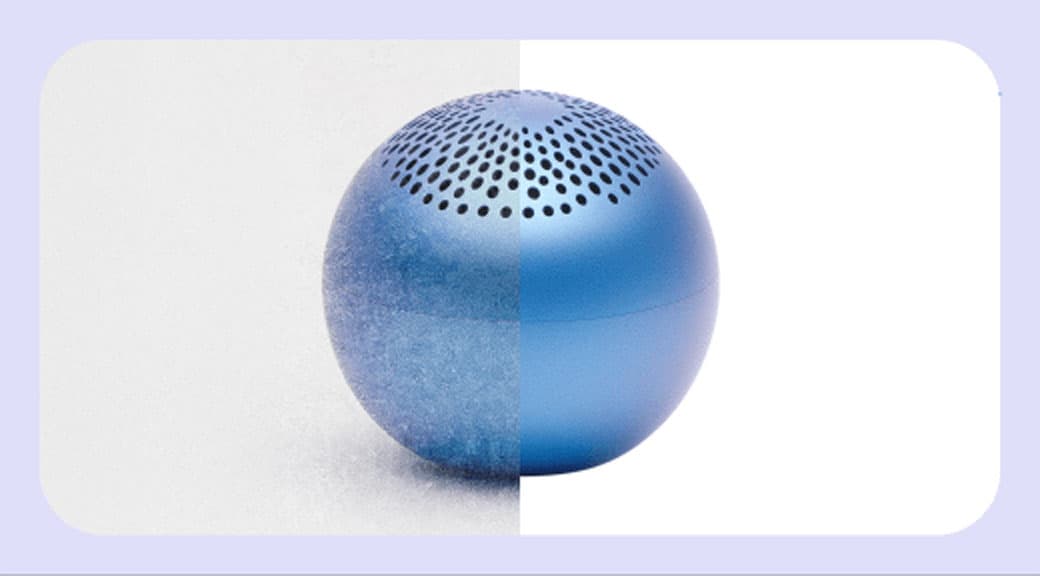
Sharp edges on every detail
Traditional background removers blur fine details. Our model preserves natural edges on hair, fur, glass, and semi-transparent objects so your cutout looks professionally done.
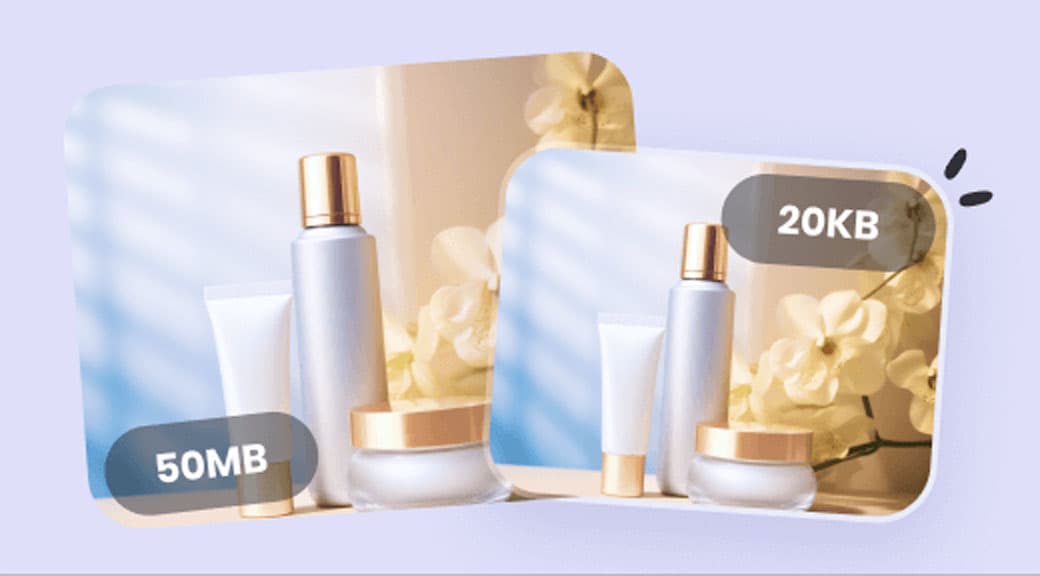
Ready for every marketplace
Export transparent PNGs that meet white-background requirements for Amazon, Shopify, Etsy, and other platforms. Consistent catalog images at scale, without a photo studio.
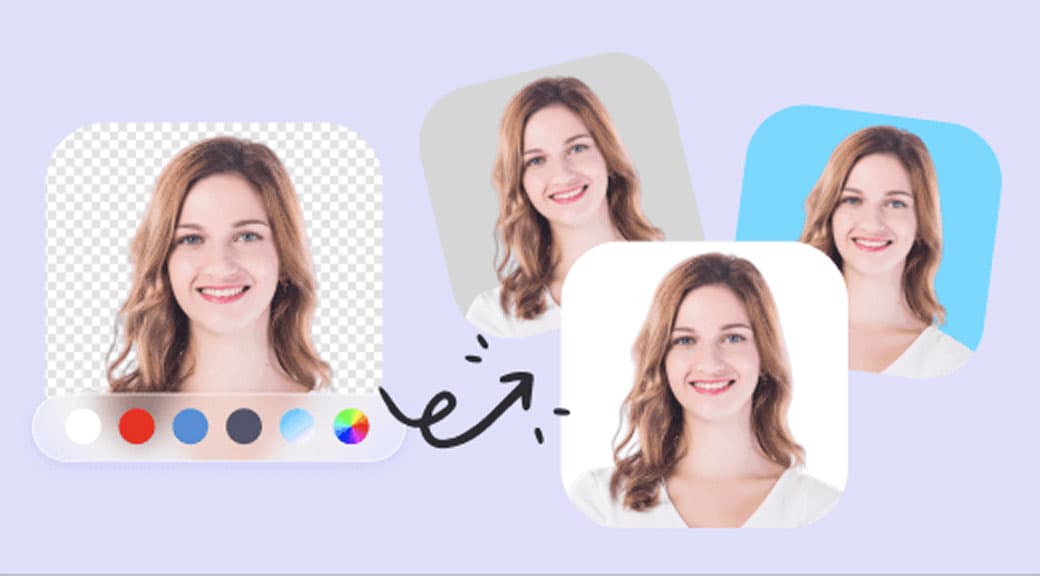
Perfect for portraits and headshots
Clean up distracting backgrounds from team photos, LinkedIn headshots, and ID images. Keep the subject sharp while the AI handles even tricky hair and shoulder outlines.
Design-ready output
Drop your transparent cutout straight into banners, social media templates, pitch decks, or ad campaigns. Works seamlessly with Canva, Figma, and any design tool that supports PNG.
Pay only for what you use
No monthly minimums or per-seat pricing. Each background removal costs a fixed number of credits, so you stay in control of your budget whether you process 10 or 10,000 images.
How It Works
- 1
Step 1
Upload your photo
Drag and drop a JPG, PNG, or WEBP file — or paste a URL. The tool accepts product shots, portraits, logos, and any image up to 20 MB.
- 2
Step 2
AI detects and separates
The model analyzes the image, identifies the subject, and removes the background in a single pass. No manual selection or masking required.
- 3
Step 3
Review the result
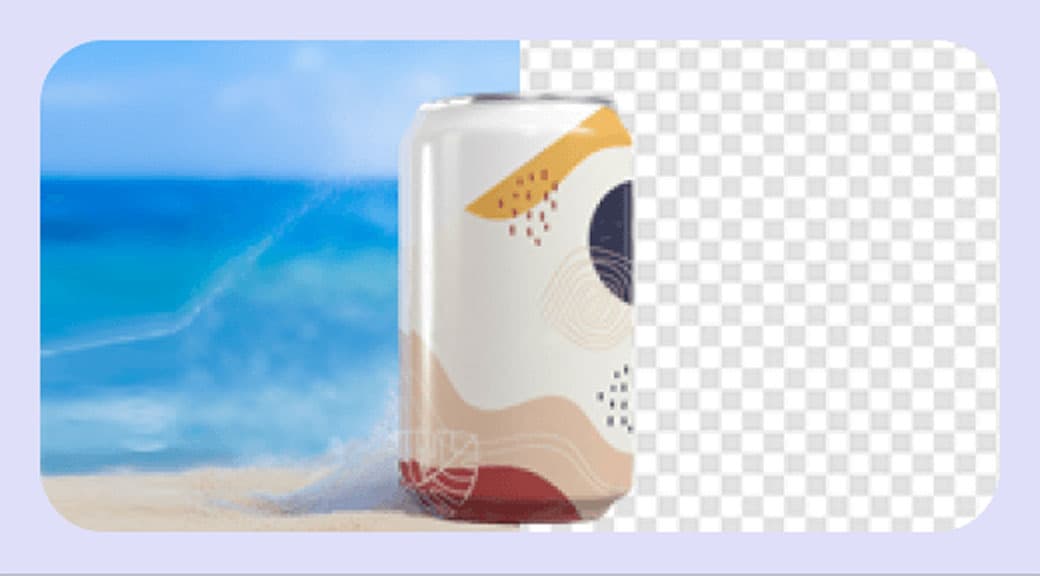
See a side-by-side preview of the original and the transparent output. Edges are refined automatically so the subject blends naturally into any new backdrop.
- 4
Step 4
Download and use anywhere
Save the high-resolution transparent PNG. Use it in your store listings, social posts, marketing materials, or feed it into our Background Generator to place it in a new scene.
Use Cases
Ecommerce product listings
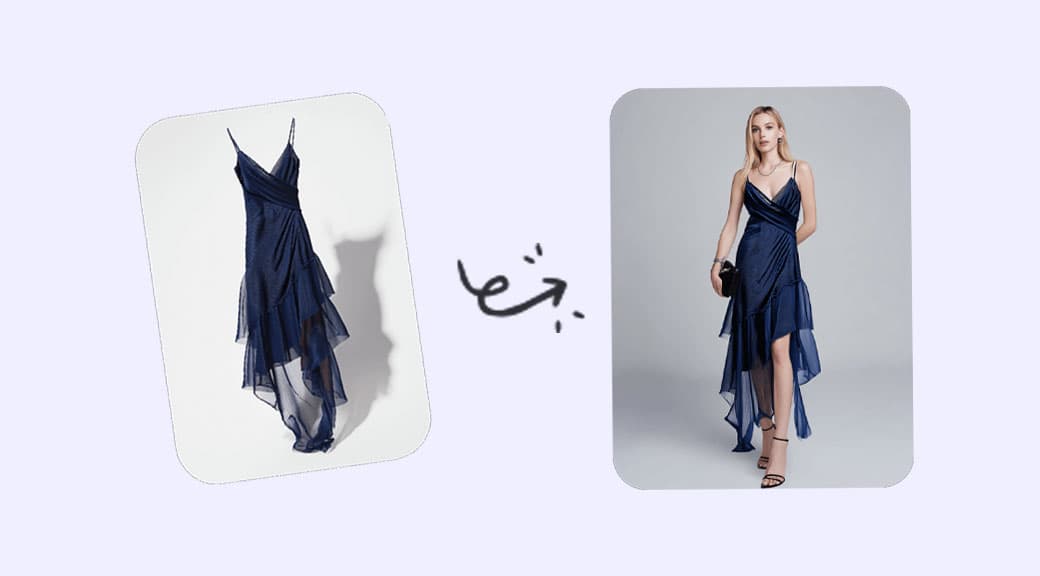
Prepare marketplace-ready images with clean white backgrounds. Process entire catalogs quickly and maintain a consistent look across Shopify, Amazon, and WooCommerce stores.
Social media content
Create scroll-stopping visuals by combining cutouts with branded backgrounds, gradients, or seasonal themes — perfect for Instagram, TikTok, and ad creatives.
Professional headshots
Swap out cluttered office or outdoor backgrounds from team photos and LinkedIn portraits. Get a polished, uniform look without booking a studio session.
Marketing and advertising
Build campaign assets faster by isolating products and placing them into hero banners, email headers, and landing page visuals with full creative control.
Print-on-demand design
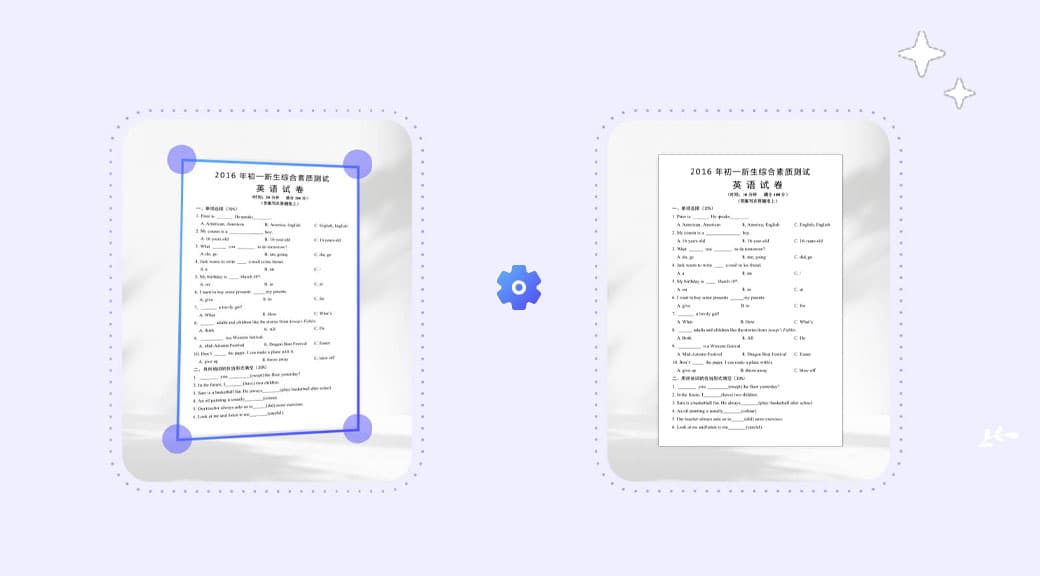
Extract designs, illustrations, and artwork from scans or photos. Use the clean cutout for t-shirts, mugs, stickers, and other merchandise templates.